Uzuy X Emulator is pure magic—it transforms your Android device into a portable Nintendo Switch, letting you enjoy your favorite titles anytime, anywhere.
But here’s the catch: the emulator alone won’t get the job done. To unlock the full power of your games, you need two essential ingredients—prod keys and the latest Uzuy firmware 20.3.0.
These files work together to make Switch games actually run on Uzuy X, delivering smoother performance, better compatibility, and a true console-like experience. In this guide, I’ll break down everything you need to know—what firmware really is, why it matters, and how to download and install it on your Android device the right way.
Prod Keys vs Firmware in Uzuy X Emulator
- For the Uzuy Edge Emulator, prod keys are mandatory. Without them, no game will load.
- Firmware isn’t always required, but installing the latest version improves:
- Performance
- Graphics quality
- Compatibility with newer games
Latest Nintendo Switch Firmware (Global Versions)
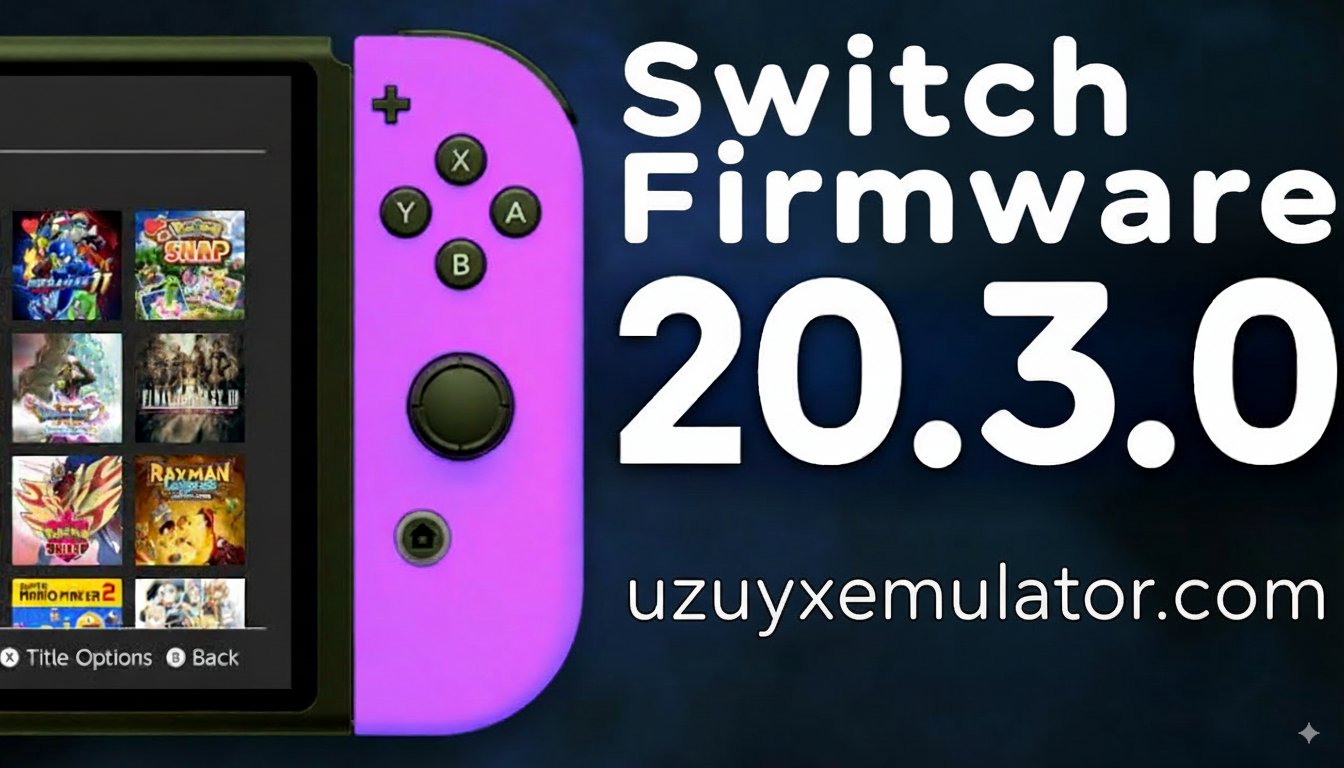
Nintendo recently launched Firmware v20.3.0, focusing on system stability and smoother performance. This update is highly recommended if you’re using Uzuy X Emulator because it ensures better game compatibility and fewer crashes.
Here’s a full list of global firmware versions you can download:
| Version | MD5 HASH | File Size | Links |
|---|---|---|---|
| v20.3.0 | 340MB | DOWNLOAD | |
| v20.2.0 | 340MB | DOWNLOAD | |
| V20.1.5 | 340MB | DOWNLOAD | |
| v20.1.1 | 340MB | DOWNLOAD | |
| v20.1.0 | 340MB | DOWNLOAD | |
| v20.0.1 | 552422f6fcb135b47a1250c48ae5a2d7 | 339MB | DOWNLOAD |
| v20.0.0 | 674d839e3022d70e75800c822c8e8466 | 339MB | DOWNLOAD |
| v19.0.1 | 322MB | DOWNLOAD | |
| v19.0.0 | 2ce401a4cdee011824c2487e0f1446a9 | 322MB | DOWNLOAD |
| v18.1.0 | dfd91e2bc34ebf81897a2c65723ee396 | 320MB | DOWNLOAD |
| v18.0.1 | 70b1e47e6148974e6f35ccb32042d80e | 323MB | DOWNLOAD |
| v18.0.0 | 8dbacdbaa4e90be98ed0706f7e90a241 | 323MB | DOWNLOAD |
| v17.0.1 | 5a56b448fcdf173aa0785ee95c3bbdad | 323MB | DOWNLOAD |
| v17.0.0 | 907f7c99ba54ff84aba5dfc9e22df968 | 323MB | DOWNLOAD |
| v16.1.0 | c32db52758a4bf6503869db531012e3d | 325MB | DOWNLOAD |
| v16.0.3 | 325MB | DOWNLOAD | |
| v16.0.2 | 462c6a0d29daa4170c37ad1b95899bd5 | 325MB | DOWNLOAD |
| v16.0.1 | cb287286188dc3072352af2bb4830911 | 325MB | DOWNLOAD |
| v16.0.0 | 9feda64cab86f851f1630979ae33a6d5 | 325MB | DOWNLOAD |
| v15.0.1 | 322MB | DOWNLOAD | |
| v15.0.0 | a7023429f85fdd3a40b4661188f5b65a | 322MB | DOWNLOAD |
Uzuy X Emulator Firmware (China Versions)
If you’re using the China firmware variant, here are the available versions:
| Version | File Size | Links |
|---|---|---|
| v18.1.0 | 320MB | DOWNLOAD |
| v18.0.1 | 323MB | DOWNLOAD |
| v18.0.0 | 323MB | DOWNLOAD |
| v17.0.1 | 323MB | DOWNLOAD |
| v17.0.0 | 323MB | DOWNLOAD |
| v16.1.0 | 325MB | DOWNLOAD |
| v16.0.2 | 325MB | DOWNLOAD |
| v16.0.1 | 325MB | DOWNLOAD |
| v16.0.0 | 325MB | DOWNLOAD |
| v15.0.1 | 322MB | DOWNLOAD |
| v15.0.0 | 322MB | DOWNLOAD |
| v14.1.2 (Rebootless Update 3) | 320MB | DOWNLOAD |
| v14.1.2 (Rebootless Update 2) | 320MB | DOWNLOAD |
| v14.1.2 (Rebootless Update) | 320MB | DOWNLOAD |
| v14.1.2 | 320MB | DOWNLOAD |
| v14.1.1 | 320MB | DOWNLOAD |
| 14.1.0 | 320MB | DOWNLOAD |
| v14.0.0 | 320MB | DOWNLOAD |
| Firmware 13.2.1 | 320MB | DOWNLOAD |
Why Firmware Matters in Uzuy X Emulator
Firmware is like the superhero cape for your emulator. Sure, prod keys open the door, but firmware makes everything run better once you step inside.
Here’s what firmware does for Uzuy X:
- Boosts game compatibility (new titles need updated firmware).
- Improves graphics rendering for smoother visuals.
- Fixes bugs and crashes that might stop games from loading.
- Enhances performance stability, making long play sessions lag-free.
Think of it like this: without firmware, your emulator can walk. With firmware, it can fly.
How to Download and Update Firmware for Uzuy X
- Visit the Official Site
Go to uzuyxemulator.com to get the latest firmware files. - Download and Extract
Click on the download link and extract thefirmware.binfile from the archive using any file extractor app. - Open Uzuy X Directory
Navigate to:nand > system > Contents > registered - Backup Old Firmware
Save a copy of your current firmware files before replacing them, just in case. - Copy New Firmware
Paste the newfirmware.binfile into the registered folder. - Restart Emulator
Relaunch Uzuy X and check the settings to confirm the update was successful.
How to Fix Uzuy X Emulator Errors with Prod Keys
- Download Prod Keys
Go to https://uzuyxemulator.com/prod-keys-and-title-keys/ and download the latestprod.keys. - Move to Keys Folder
Copy the downloadedprod.keysfile into the keys folder of your Uzuy X directory. - Restart Emulator
Close and reopen Uzuy X so the new keys can take effect.
Conclusion
Installing Uzuy Firmware 20.3.0 on Uzuy X emulator (Android) is the key to unlocking smooth, console-like Switch gameplay on your phone. With the right setup—firmware, prod keys, and optimized settings—you can transform your mobile into a full-fledged Nintendo Switch alternative. Stay updated, play responsibly, and enjoy lag-free gaming anywhere.

![All GPU Drivers for (Android) Download [Snapdragon, Adreno, Turnip] mali gpu driver](https://uzuyxemulator.com/wp-content/uploads/2025/09/All-GPU-Drivers-for-Android-Download-Snapdragon-Adreno-Turnip-mali-gpu-driver-150x150.webp)